Microwave Turning Off After 3 Seconds? Quick Solutions [Checklist]
Microwave Starts Then Stops After 2–3 Seconds? Find Out Why It Happens, Easy Troubleshooting Steps, And Which Problems Need A Technician.
You hit start, the light flickers on, the fan whirs to life… and then nothing. Two seconds later, your microwave just shuts itself off. Frustrating, right? This happens when your microwave’s built-in safety systems detect something wrong and cut the power to protect the unit.
Here’s the good news: some causes are surprisingly simple. A setting stuck in demo mode or a loose wire connection can be fixed at home. Others, like a failing control board or door switch, need a technician’s help. We’ll walk you through the most likely culprits, starting with the easiest checks first.
Quick Checklist To Fix Microwave Shutting Off After 3 Seconds
Important: Burning smell or strange noises? Skip the checklist and call a technician right away.
Call Us For Sameday Doorstep Microwave Oven Repair in Kolkata & Surrounding Areas
₹0 Advance Charges
Quick Diagnostic Table
| Possible Cause | What You’ll Notice | Safe User Action | Technician Required? |
|---|---|---|---|
| Demo mode enabled | Runs 2-3 seconds then stops, display works normally | Check settings menu and turn off demo mode | No |
| Faulty door switch | Starts but shuts off after 3-4 seconds, may hear clicking | Inspect door latch for damage or misalignment | Yes |
| Loose wire connection | Starts briefly then stops, intermittent power | Unplug for 10 minutes to reset | Maybe |
| Overheated thermal protector | Stops after a few seconds, unit feels warm | Let it cool down for 30 minutes before retrying | Maybe |
| Main control board failure | Display resets or asks to re-enter time/date | Unplug to reset, but replacement usually needed | Yes |
| Defective touchpad/control panel | Some buttons work, others don’t respond | None, panel assembly needs replacement | Yes |
| Bad transformer | Burning smell, stops after 2-3 seconds | Do not attempt repair due to high voltage | Yes |
| Blown fuse | Completely dead, no lights or sounds | None, requires professional testing | Yes |
| Magnetron interference | Resets itself, display flickers | None, needs RF shielding or magnetron replacement | Yes |
Can’t fix the issue yourself? Concord Services provides quick, trusted microwave oven repair in Kolkata to bring your appliance back to safe and efficient performance.
Common Causes & Fixes
Door Not Closing Properly (Most Common)
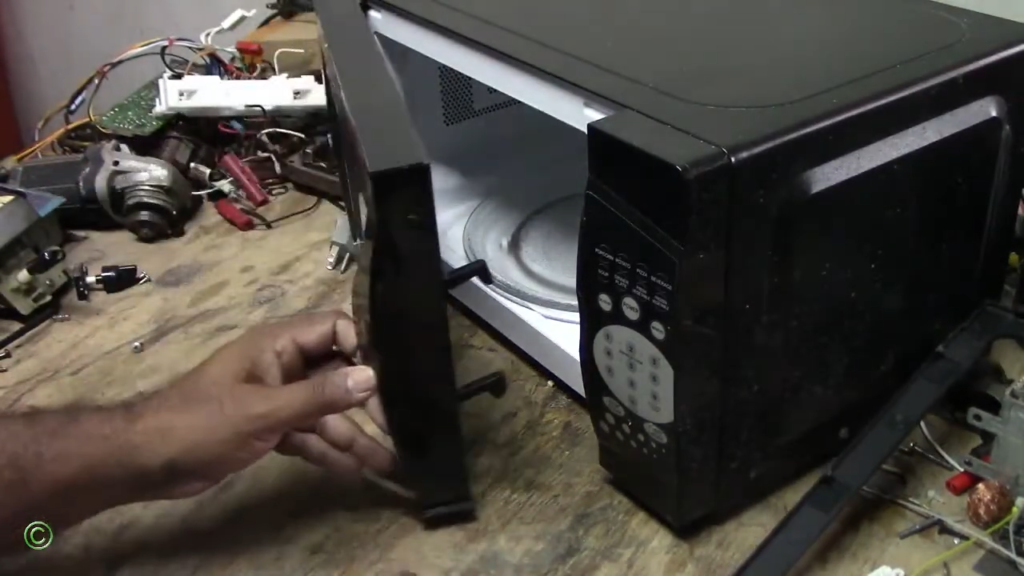
Your microwave won’t run if the door safety circuit isn’t complete. When the door doesn’t fully latch, the microwave thinks it’s open and refuses to work for safety reasons. Common culprits include misaligned doors, broken latch hooks, or food debris stuck near the latch.
Fix: Wipe down the latch area with a damp cloth and inspect for any physical damage to hooks or hinges. If you spot cracks or bent parts, a technician can replace them easily.
When to call: If cleaning doesn’t help or parts look damaged.
Faulty Door Switch or Interlock System
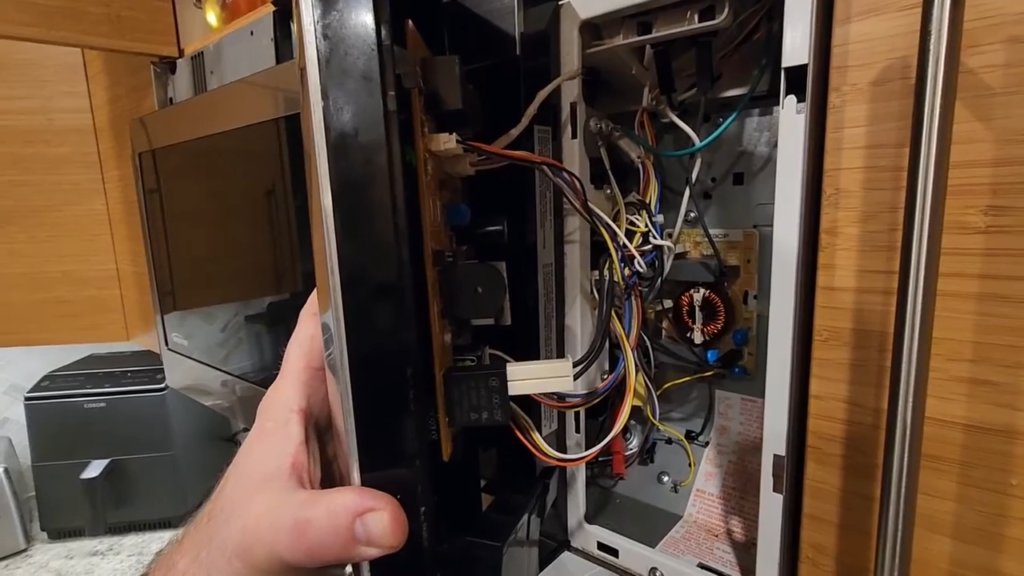
Most microwaves have three to four door switches working together. When one fails, it may let the light and fan turn on briefly before cutting power within seconds, protecting you from exposure. You’ll notice the light flickers on, then everything stops almost instantly.
Safety note: High voltage inside makes this a professional-only repair. Never attempt DIY on door switches.
Fix: A technician tests each switch for continuity using a multimeter and replaces any faulty ones.
Microwave Overheating (Thermal Cut-Off Activated)
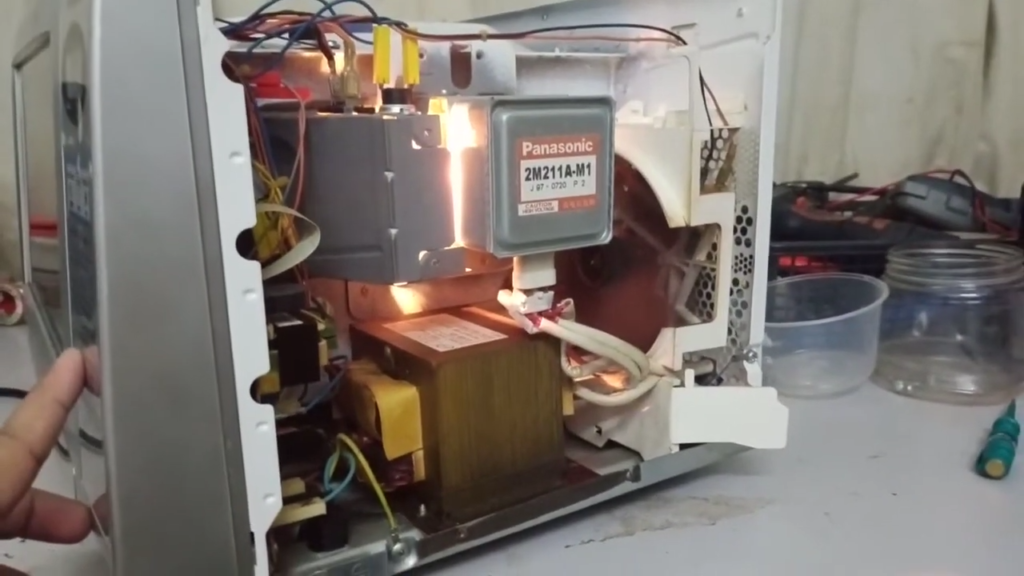
Microwaves have built-in thermal protectors that cut power when temperatures rise too high. This happens when vents are blocked, the cooling fan fails, or you’ve been using it continuously for long periods.
What you can do: Unplug the microwave and let it cool completely for 30 minutes. Make sure there’s proper clearance around all vents (at least 7.5 cm).
When problem repeats: The internal fan motor or thermostat might be faulty and needs professional replacement.
Suggested Read: Microwave Fan Not Working Problem Solution
Power Supply or Electrical Issues
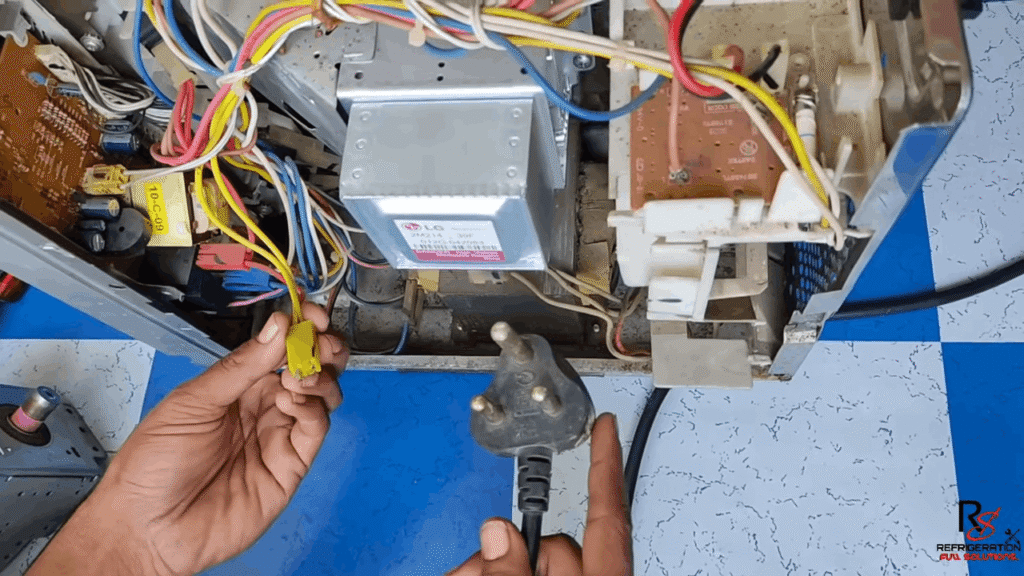
Sometimes the issue isn’t your microwave at all. A loose wall socket, weak outlet, or overloaded circuit can cause intermittent shutdowns. If other appliances on the same circuit are drawing power, your microwave may not get what it needs.
Fix: Plug into a dedicated wall socket and avoid using extension cords, which can create voltage drops. Test the outlet with another high-power appliance to confirm it’s working.
When to call: If the socket itself looks damaged or melted, call an electrician first, then an appliance technician.
Suggested Read: Microwave Oven Tripping Circuit Breaker
Internal Fuse or Control Board Issue
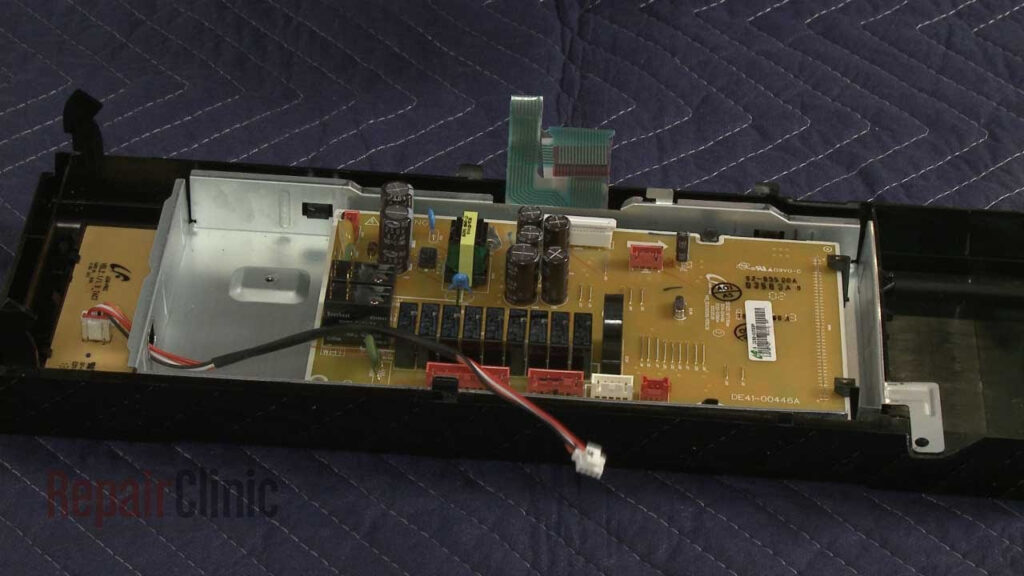
When power flows briefly then shuts off repeatedly, and nothing else seems wrong, you’re likely dealing with a blown internal fuse or defective control board. The microwave might power on for 2-3 seconds with no heating before going dark.
Fix: A technician tests the ceramic fuse for continuity and inspects the main control board for burn marks or failed components.
Professional repair only: These components require safe disassembly and proper replacement to avoid further damage.
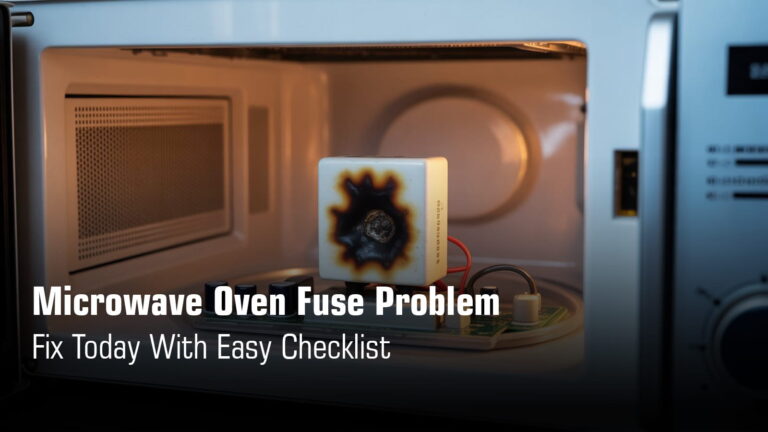
Suggested Read: Microwave Oven Fuse Problem Solutions
Magnetron or High-Voltage Component Failure
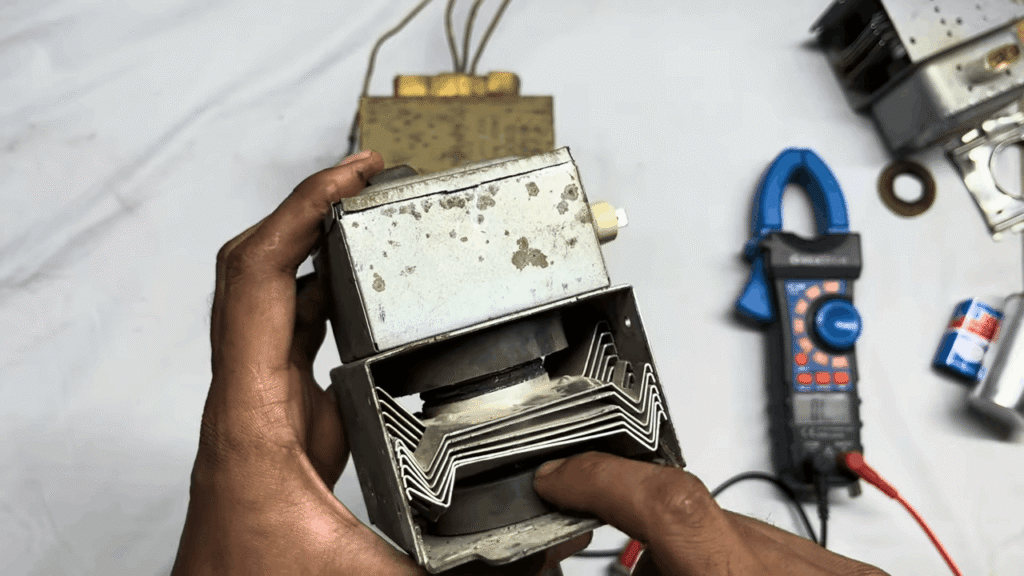
The magnetron generates microwave energy. When it or related parts (high-voltage transformer, capacitor, diode) fail, the safety system instantly shuts everything down to prevent damage or danger. You might smell burning or hear unusual buzzing before shutdown.
Warning: The high-voltage capacitor can store lethal charge even when unplugged. This is strictly professional territory.
Resolution: Component replacement by a trained technician. Given repair costs, they’ll help you decide if replacement makes more financial sense than repair.
Suggested Read: Microwave Burning Smell While Running
Avoid These Steps While Fixing Yourself
Never do these things:
Quick safety note: Your microwave has built-in protections for a reason. Respect them. If something keeps shutting off, that’s the appliance telling you to stop and call for help.
Suggested Read: Microwave Oven Safety Tips for Home Use – Do’s, Don’ts
When to Call a Technician?
Call for professional help if you notice:
Final Thoughts
Most microwave shutdowns after 2-3 seconds happen because your appliance is protecting you. Its safety systems are doing their job. Start with the basics: check for demo mode, let it cool down, inspect the door latch, and try a different outlet. Simple fixes solve a surprising number of issues.
But if the problem persists, stop using it immediately. Continuing to run a malfunctioning microwave can damage expensive internal components or create safety risks. Get expert microwave inspection to avoid further damage and keep your kitchen running smoothly.