Microwave Oven Touch Panel Not Working? Fix It Now [Checklist]
Microwave touch panel not responding? Learn common causes, quick fixes, and when you need professional repair. Simple steps to try first.
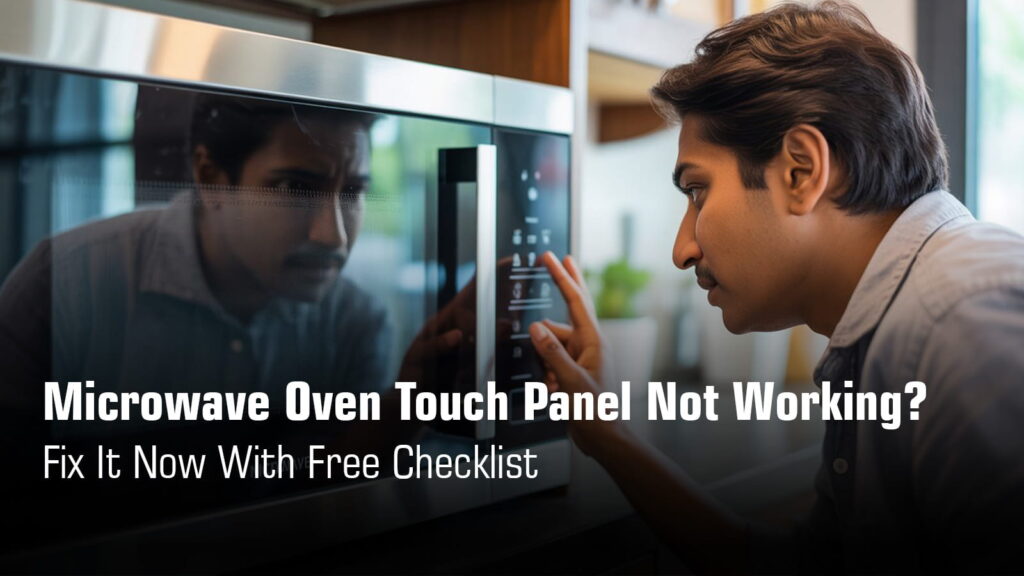
You press the buttons. Nothing happens. The display lights up fine, the microwave hums like it’s ready to go, but your touch panel just won’t respond.
It’s frustrating when a perfectly good appliance refuses to cooperate. The good news? Most touch panel issues aren’t complicated. In fact, many can be fixed at home with a little patience and the right steps.
This guide will walk you through quick checks, simple DIY fixes, and help you understand when it’s time to call in a professional or replace the panel. Let’s get your microwave back to working order.
Quick Checklist to Fix Microwave Oven Touch Panel Not Working Problem
Get Same-Day Doorstep Microwave Oven Repair in
Kolkata & Nearby Areas
₹0 Advance Charges
Symptoms-Based Problem Identification
| Symptom | What It Usually Means |
|---|---|
| Display works, but no buttons respond | Worn touchpad membrane with damaged conductive coating, or loose ribbon cable connection |
| Only some buttons work, others are dead | Faulty keypad membrane where certain areas have stopped conducting signals properly |
| Panel completely dark and unresponsive | Main control board failure, power supply issue, or severe moisture damage to internal components |
| Panel beeps but buttons don’t register commands | Control board software glitch, stuck relay, or misaligned internal connection between touchpad and circuit board |
| Buttons work on and off unpredictably | Loose or corroded ribbon cable connection, or moisture buildup causing intermittent contact issues |
Common Reasons Why Microwave Touch Panel Stops Working
Child Lock / Control Lock Enabled
Why it happens:
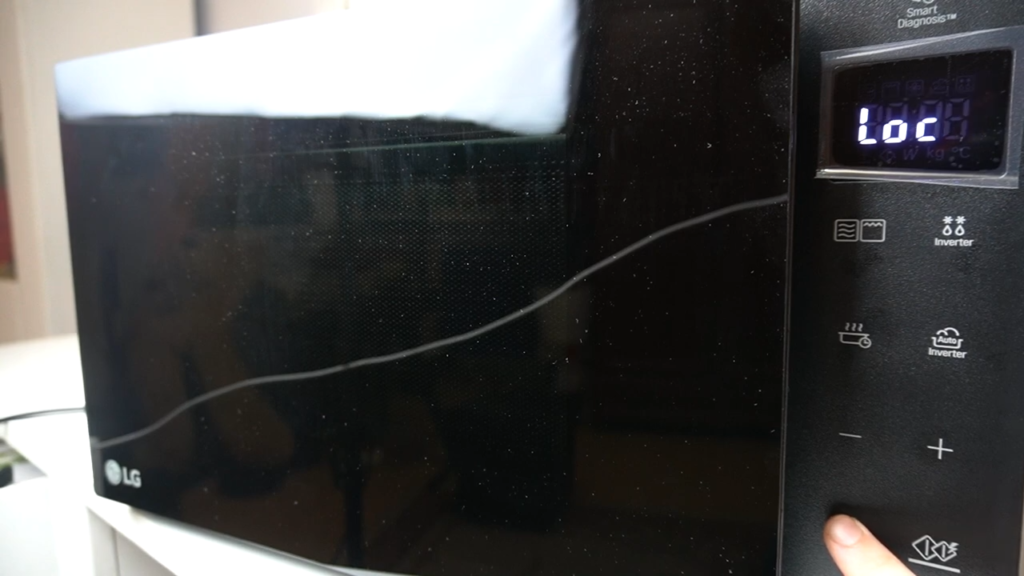
Many microwaves have a safety feature that locks the touch panel to prevent children from accidentally starting the appliance. When this lock is activated, the entire panel becomes unresponsive, even though the microwave still has power.
Users often press button combinations unknowingly and trigger this lock. Look for indicators like “LOCK,” “LOC,” or a small padlock icon on the display.
Power Supply or Voltage Fluctuation
Why it happens:
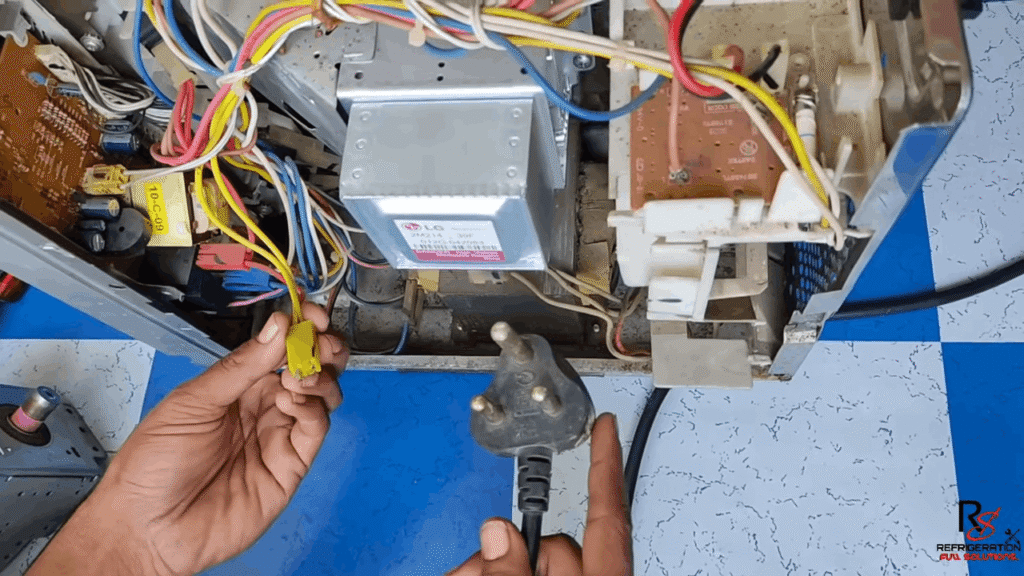
Sudden power cuts, voltage spikes, or unstable electricity can freeze the control board’s internal logic. The microwave appears to be on with the display lit, but the touch panel stops responding to input.
This is common in areas with frequent power fluctuations or when the microwave shares a circuit with heavy appliances.
Moisture, Steam, or Condensation Behind Panel
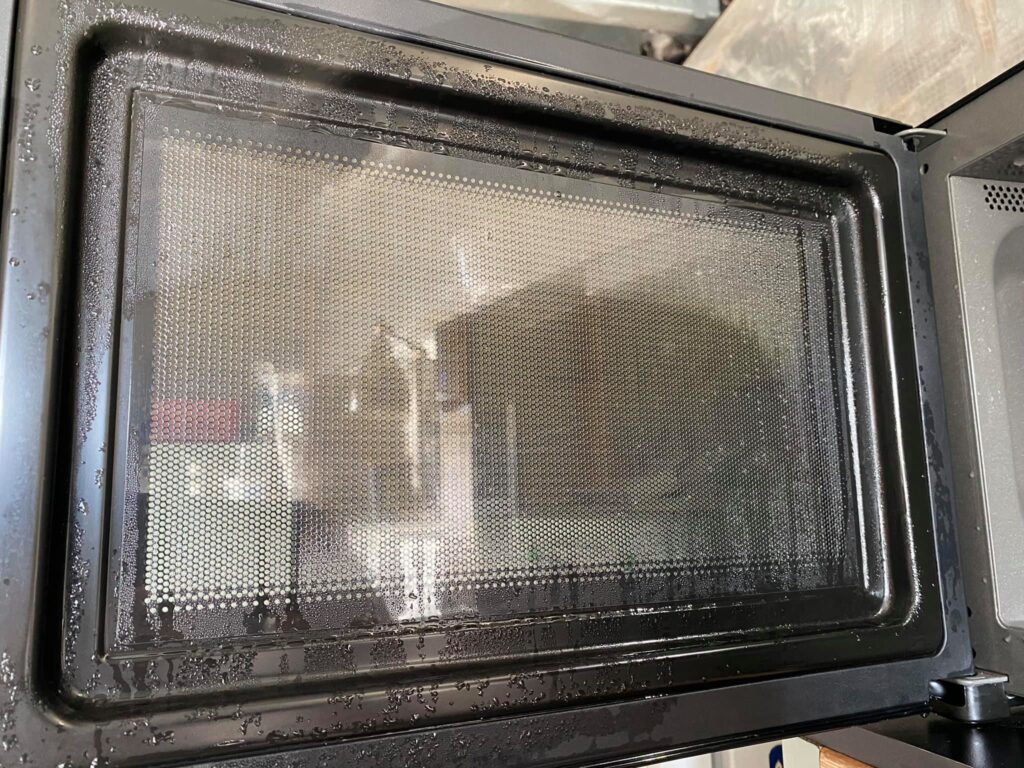
Why it happens:
Hot steam from cooking rises and can seep into the control panel area through tiny gaps. Over time, this moisture condenses behind the touch panel and affects the membrane’s conductive coating.
This issue is especially common in Indian kitchens where microwaves are used frequently for reheating curries, rice, and steaming foods that release heavy vapors.
Can’t fix the issue yourself? Concord Services provides quick, trusted microwave oven repair in Kolkata to bring your appliance back to safe and efficient performance.
Dirty or Greasy Touch Panel Surface
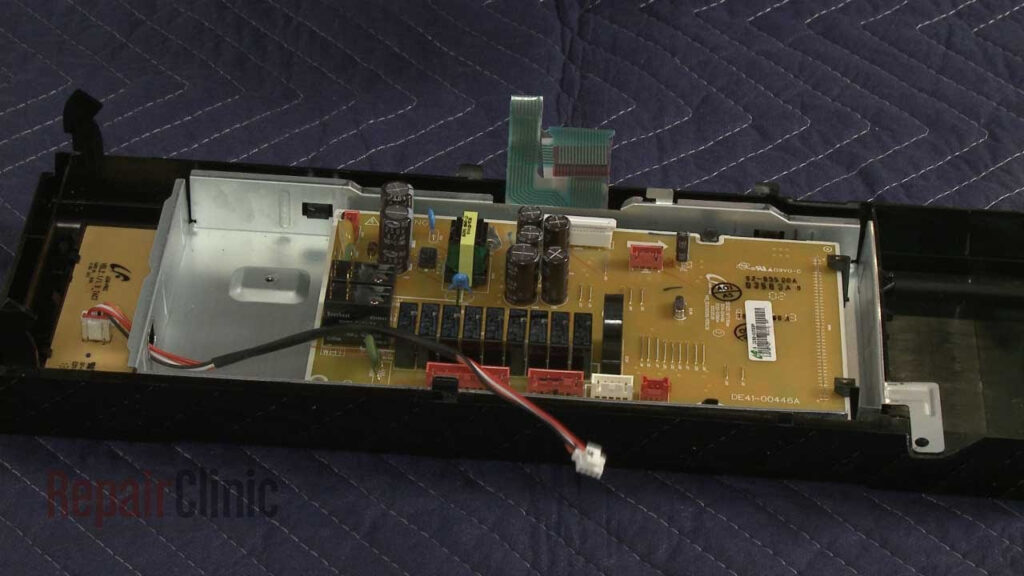
Why it happens:
Oil splatter, food residue, sticky liquids, or even moisture from your hands can coat the touch panel surface. This greasy layer blocks the capacitive touch response, making buttons feel unresponsive or registering incorrect inputs.
Microwaves installed near cooking stoves are particularly prone to this problem due to airborne grease particles settling on the panel.
Touch Keypad (Membrane) Worn Out
Why it happens:
The touch membrane is made of layered Mylar plastic with thin conductive coatings that complete a circuit when pressed. Repeated use over months and years causes these conductive paths to wear away or crack.
Typically, the most frequently used buttons like Start, Stop, or Power Level fail first before other buttons stop working.
Loose or Damaged Ribbon Cable
Why it happens:
The ribbon cable is a thin, flat connector that links the touch panel to the control board. Constant heat from the microwave’s operation, along with vibration from the cooling fan and magnetron, can slowly loosen this cable connection.
Sometimes the cable itself gets bent, pinched, or develops cracks at the connection point during manufacturing or previous repairs.
Control Board (PCB) Failure
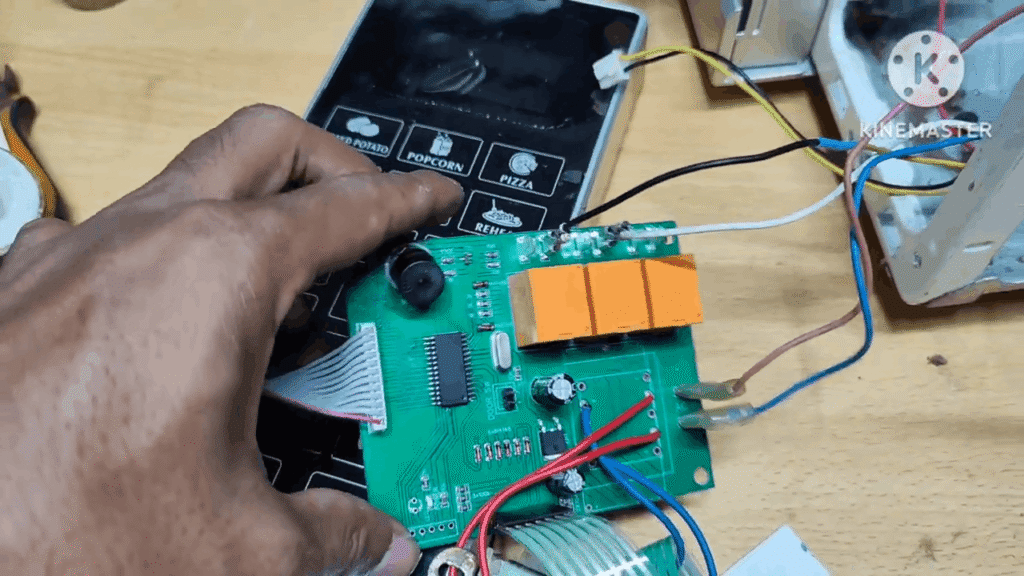
Why it happens:
The control board is the microwave’s brain that interprets signals from the touch panel and sends commands to the heating components.
When this board fails due to power surges, internal short circuits, or component aging, it stops processing button inputs even though the touchpad itself is working fine.
A faulty control board often shows additional symptoms like erratic display behavior or the microwave shutting off unexpectedly.
Step-by-Step Troubleshooting The Issue
Step 1: Hard Reset (First Fix)
⚠️ Safety First: Always unplug the microwave before troubleshooting. Never work on a plugged-in appliance.
This is the simplest fix and solves many touch panel glitches. Unplug your microwave from the wall socket completely. Wait 5 to 10 minutes to allow the control board’s internal memory to reset. Then plug it back directly into the wall outlet, not through an extension cord. This clears software glitches and frozen control logic that often cause unresponsive buttons.
Step 2: Disable Child Lock (Model-Dependent)
Check if your display shows “LOCK,” “LOC,” “L,” or a padlock icon. If yes, the child lock is active. To disable it, press and hold the Stop/Cancel or Clear button for 3 to 5 seconds. Some brands require holding Start for 4 seconds (LG), or pressing Clock + More/Less together (Samsung). If unsure, unplug for 10 minutes to reset. Each brand has slightly different methods.
👉 Related Read: Microwave Child Lock Not Turning Off
Step 3: Clean the Touch Panel Properly
⚠️ Safety First: Turn off and unplug before cleaning.
Grease, moisture, and food residue block touch sensors. Use a soft, dry microfiber cloth to gently wipe the panel surface. For stubborn stains, lightly dampen the cloth with a mild kitchen cleaner or water, but never spray liquid directly onto the panel.
Avoid letting water seep into the edges or button gaps, as moisture inside can damage the membrane permanently.
Step 4: Check for Moisture or Condensation
Look closely at the display area. Do you see fogging or tiny water droplets behind the glass? This happens when steam from cooking seeps into the control panel. Leave the microwave door open for 30 minutes after use to let moisture evaporate naturally.
Avoid using the microwave until the panel is completely dry, as condensation interferes with the conductive coating inside the touch membrane.
👉 Related Read: Microwave Oven Condensation Problem
Step 5: Test Button Response Pattern
Press each button on the panel one by one and note which ones work.
If no buttons respond at all, the issue is likely a loose ribbon cable connection or a failed control board.
If only some buttons respond, the touch membrane itself has worn out internally. This pattern helps pinpoint whether you need a new touchpad or control board replacement.
Avoid Doing These While Fixing Yourself
⚠️ CRITICAL SAFETY WARNING
Do NOT open the microwave casing yourself.
Microwaves are high-voltage appliances, and removing the outer casing exposes you to dangerous internal components. Even if you’re confident with DIY repairs, the microwave’s interior contains parts that can seriously hurt or kill you.
High-voltage components retain a lethal charge even when unplugged.
The high-voltage capacitor inside your microwave can store enough electricity to cause fatal electric shock for days or even months after the unit is disconnected from power. This stored charge doesn’t disappear just because you pulled the plug.
Touch panel replacement requires safe disassembly and proper training.
While replacing a touch panel might seem straightforward, it involves working near high-voltage sections, discharging capacitors correctly, and handling delicate ribbon cables. One wrong move can damage the control board or put you at risk.
Risk of electric shock, burns, or permanent appliance damage.
Touching internal wiring, the transformer, magnetron, or capacitor without proper tools and knowledge can result in severe injury.
Additionally, incorrect reassembly can cause short circuits, fires, or make the microwave completely unusable.
Preventive Tips to Avoid Touch Panel Failure
Suggested Read: Microwave Oven Tripping Circuit Breaker – Solutions
Most touch panel problems are simpler than they look. Start with a quick reset, check if the child lock is on, and give the panel a gentle cleaning. These small steps solve many issues without spending a rupee. But if buttons stay dead after trying everything, don’t wait. Call a professional before the problem spreads to your control board. Catching it early saves you from expensive repairs down the line.