Microwave Making Loud Noise – Solve Today With Checklist
If your microwave is making loud noises, don’t ignore it. Learn the reasons, quick troubleshooting steps, and safety warnings in this guide.
You’ve probably heard it. That grinding, buzzing, or high-pitched screaming sound coming from your microwave that makes you wonder if something’s about to explode inside. Let’s be honest, a microwave should hum quietly while it heats your food, not sound like it’s auditioning for a horror movie.
Here’s the thing: loud noises from your microwave aren’t normal. They usually point to mechanical wear, something stuck where it shouldn’t be, or electrical components under stress.
Ignoring these sounds can turn a simple fix into a costly disaster. We’re talking damaged magnetrons, blown transformers, or fried control boards.
The good news? Some noises are safe and fixable at home with basic cleaning or adjustments. Others are red flags that mean you should shut down your microwave immediately and call a professional before things get worse.
Quick Checklist to Fix Microwave Oven Loud Noise Problem
Call Us For Sameday Doorstep Microwave Oven Repair in Kolkata & Surrounding Areas
₹0 Advance Charges
Quick Diagnosis: Identify the Noise Type
| What You’re Hearing | When It Shows Up | What’s Likely Causing It | What You Should Do |
|---|---|---|---|
| Grinding or rattling sounds | While the microwave is running | Usually your turntable motor, roller ring, or stirrer motor acting up. Could also be loose screws or debris stuck inside. | Clean the turntable area, check the roller ring for damage, and make sure everything’s seated properly. If it continues, the motor might need replacing. |
| Loud humming or buzzing | Right when you hit start | This often points to a failing magnetron (the part that creates the microwaves) or a worn-out diode in the high-voltage circuit. Your microwave probably won’t heat properly either. | Stop using it and call a technician. These are electrical components that handle dangerous voltage levels. |
| Screeching or high-pitched whining | During the heating cycle | Your cooling fan bearings are likely worn out, dry, or clogged with grease and dust. Sometimes the magnetron makes this sound when it’s on its last legs. | If it’s just the fan, cleaning and oiling might help. But if the noise is very loud or accompanied by poor heating, turn it off and get professional help. |
| Clicking or popping sounds | Random or intermittent | Could be the turntable motor struggling, a faulty relay on the control board, or even a failing transformer under load. | This needs service. Electrical components are involved, and continuing to use it could lead to bigger failures. |
| Crackling with visible sparks | While heating food | Metal in the microwave, a burnt waveguide cover, or carbonized food buildup on the walls. This is arcing, and it’s damaging your microwave. | Stop immediately. Remove any metal, clean thoroughly, and check the waveguide cover. If sparking continues, you need repairs before using it again. |
Most Common Causes of Loud Noise in Microwave Ovens
Turntable, Roller Ring, or Glass Plate Issues (Most Common & DIY-Friendly)
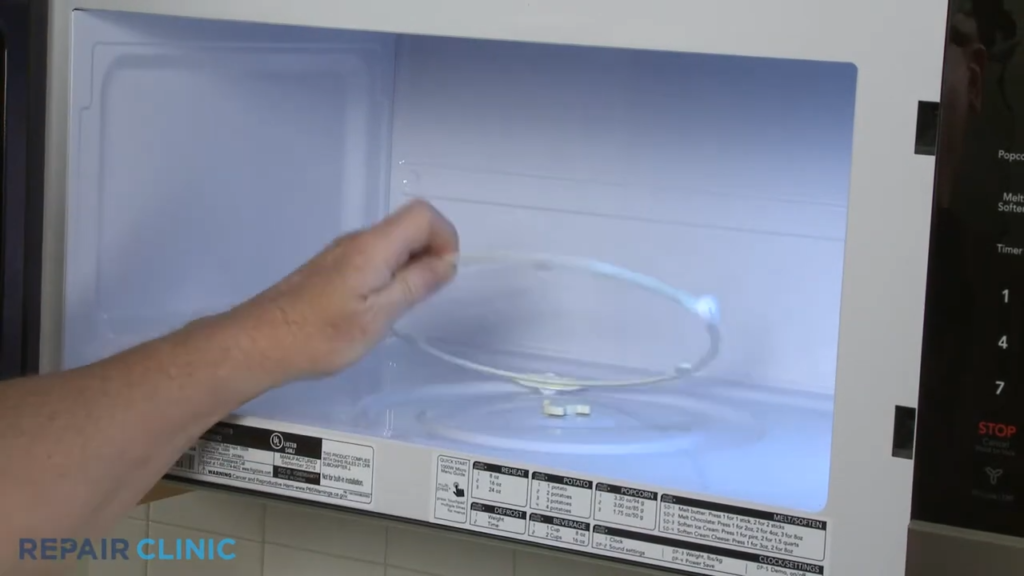
Symptoms: You’re hearing a grinding, thumping, or rattling sound while your microwave runs. The good news? The noise completely stops when you remove the turntable. This is actually one of the easier fixes.
What’s causing it: Tiny food particles love hiding under the roller ring, creating friction as the tray spins. Sometimes the glass tray itself gets warped from heat or develops hairline cracks. Other times, the plastic turntable coupler underneath gets misaligned or worn down.
How to fix it:
- Unplug your microwave
- Remove the glass tray and roller ring
- Clean everything with warm soapy water
- Check for cracks or warping
- Make sure the tray sits properly on the roller ring
- Test briefly without the tray to confirm the motor isn’t the problem
Related reading: Microwave Plate Not Spinning – Causes & Easy Fixes
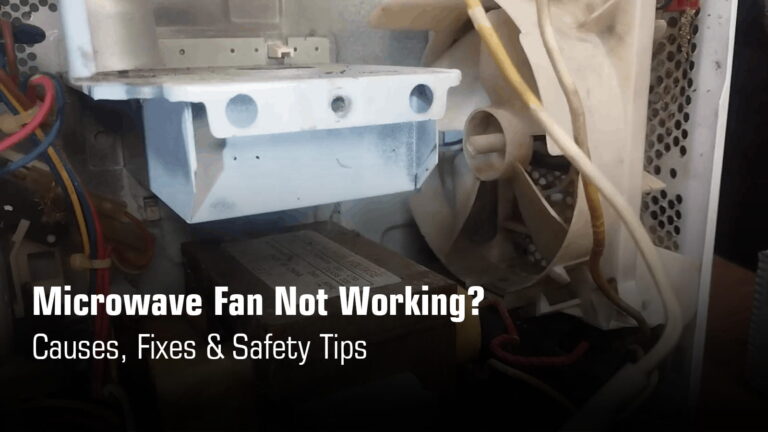
Cooling Fan Motor Noise (Whining, Screeching, or Roaring Sound)
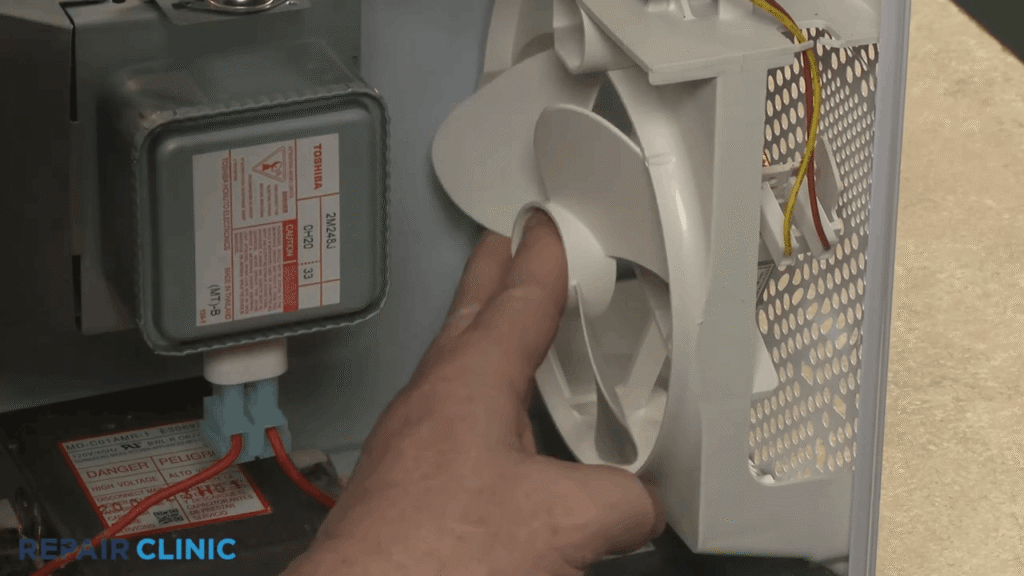
Why this happens:
Your cooling fan keeps the magnetron from overheating. When dust and kitchen grease build up over months, the fan motor’s bearings dry out. The fan blades might also hit something stuck inside, creating that awful screeching noise.
Here’s the risk:
Without a working fan, your magnetron overheats. This can lead to permanent damage to one of the most expensive components in your microwave. The repair bill? Much higher than fixing a fan.
What you can safely check:
Make sure the rear and side vents aren’t blocked by anything. Clear away dust buildup from the outside. But here’s what you shouldn’t do: don’t open the cabinet yourself. That’s when things get dangerous.
When to stop using your microwave:
If the noise is getting rapidly louder or if the microwave body feels unusually hot to touch, unplug it immediately. These are warning signs that the fan has stopped doing its job properly.
Learn more: Microwave Fan Not Working Problem
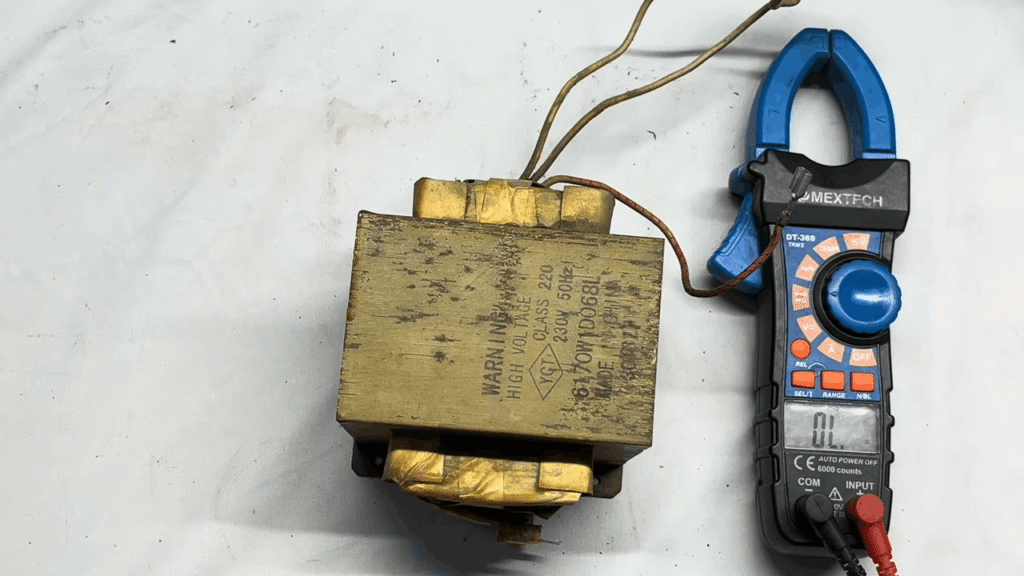
Magnetron or High-Voltage Transformer Noise (Serious Issue)
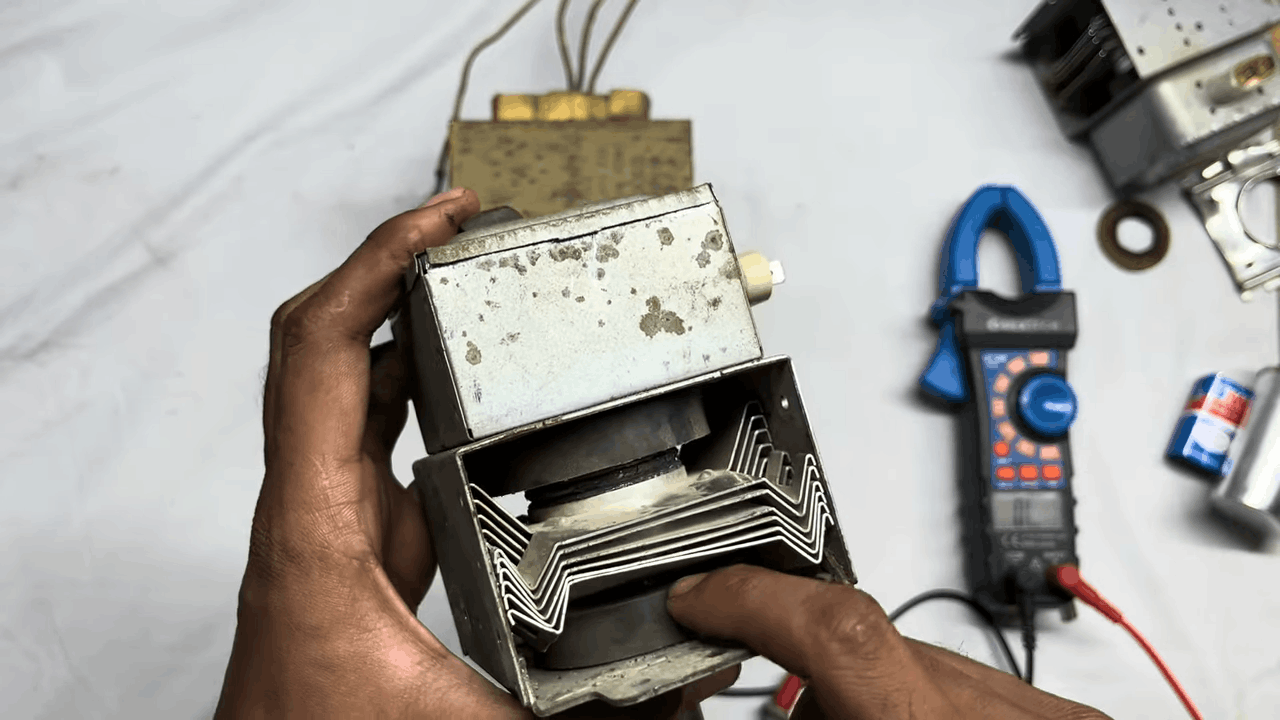
The sound you’ll hear:
A loud humming, deep buzzing, or vibrating sound that makes your kitchen feel like there’s heavy machinery running. This isn’t something you can ignore. It means your magnetron (the part that creates microwaves) or transformer is struggling.
What it really means:
These components work under extreme electrical stress. When they start making unusual noises, they’re near failure. Your microwave might still heat food, but not for long.
Critical danger note:
Even after unplugging your microwave, the high-voltage capacitor can hold enough electrical charge to seriously injure or kill you. This isn’t an exaggeration. The voltage inside these components is several thousand volts.
What you should do:
Stop using your microwave immediately. Don’t try any DIY repair. Call a professional technician who has the proper tools to safely discharge capacitors and test high-voltage components.
Related issues:
Microwave Not Heating Foods Problem
Microwave Turning Off After 3 Seconds Problem
Sparking or Crackling Sounds Inside the Microwave
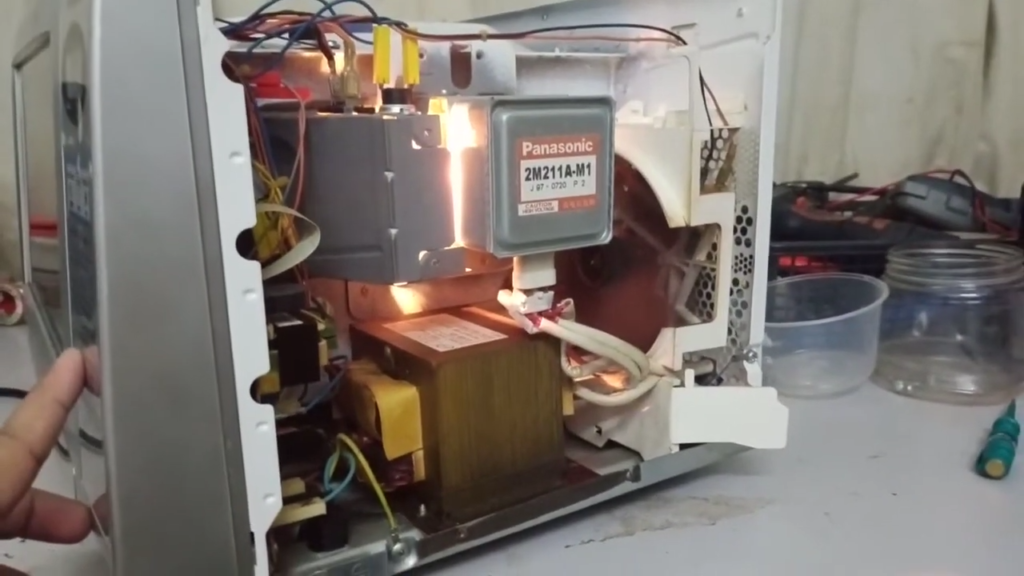
Common causes:
The waveguide cover (mica sheet) on your microwave’s interior wall gets burnt or dirty over time. Food splatters carbonize, and carbon conducts electricity, causing sparks. Sometimes it’s as simple as a tiny piece of metal foil or even a single strand from a steel scrubber.
What else you might notice:
Visible sparks (like tiny lightning bolts) inside the cavity. A burning smell. Sometimes the microwave keeps working but makes loud popping sounds. These are all red flags.
Stop immediately and do this:
Switch off and unplug your microwave right away. Look inside for any metal objects you might have missed. Check the waveguide cover for black burn marks or holes.
Why this matters:
Continued sparking damages the magnetron and other expensive internal parts. What starts as a simple waveguide cover replacement (around ₹200-500) can turn into a ₹3,000-5,000 magnetron replacement if ignored.
Read more:
Microwave Sparking Problem
Microwave Burning Smell While Running
Door, Latch, or Interlock Switch Noise (Clicking / Clunking)
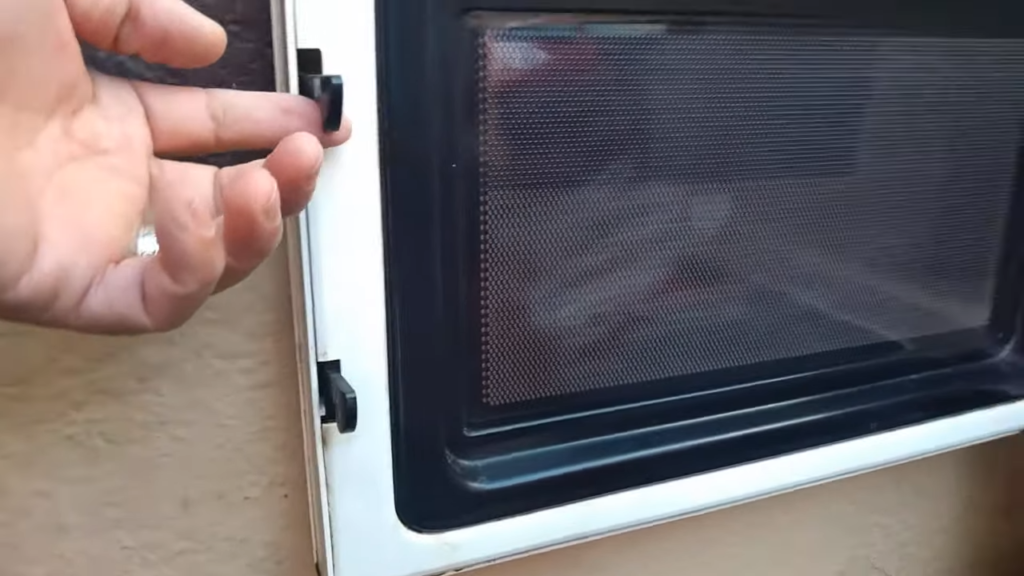
The sounds: Clicking when you press start or stop. Clunking when the door closes. Sometimes the door feels loose or stiff, almost like it’s fighting you.
What causes these problems: Most microwaves have three or four safety interlock switches that prevent the microwave from running with the door open. When these switches wear out, they start clicking or failing to engage properly. The door latch itself can also wear down.
The risk involved: Your microwave might refuse to heat at all, or it might shut down abruptly mid-cycle. In rare cases, a completely failed door switch could be a safety hazard.
What you’ll notice: The turntable won’t spin, or the display lights up but nothing happens when you press start. These are signs the safety interlocks aren’t registering that the door is closed.
More help: Microwave Oven Door Not Opening or Closing Problem
Quick Safety Checklist: Should You Stop Using the Microwave?
When your microwave starts making noise, you need to decide fast whether it’s safe to keep using or if you should shut it down immediately. Here’s how to make that call.
Stop Immediately If:
You hear loud humming or buzzing:
This sound means your magnetron, diode, or transformer is failing, and these high-voltage parts can fail catastrophically. If the humming comes with sparks or smoke, unplug immediately before it gets worse.
You see sparks or smoke inside:
Sparking damages your waveguide, magnetron, and internal electronics, turning a small fix into an expensive replacement within seconds. Stop the microwave right away and unplug it.
Microwave heats unevenly AND makes noise:
When strange sounds pair with uneven heating, your magnetron is struggling and might be burning out from the inside. This creates a food safety issue since your microwave can no longer heat meals to safe temperatures reliably.
A burning smell accompanies the noise:
Any burning smell, whether plastic, electrical, or overheating components, points to serious micro oven problems like melted terminals or failing circuit boards. Don’t use your microwave again until a technician inspects it.
Read Details About Microwave Oven Safety Tips for Home Use – Do’s, Don’ts
Safe to Observe Briefly If:
Light rattling from turntable only:
If you hear gentle rattling or grinding that stops completely when you remove the glass tray, it’s almost always food debris or a misaligned roller ring. Still worth checking, but not an emergency. Clean the turntable area thoroughly.
Noise disappears after cleaning the tray:
This confirms your problem was mechanical, not electrical. Once the roller ring and glass plate are clean and properly seated, and the noise doesn’t return, you’re good to go. Just monitor it for a few cycles.
Can’t solve the issue on your own? Concord Services delivers prompt, dependable microwave oven repair in Kolkata to get your appliance running safely and efficiently again.
What You Can Fix Yourself vs What Needs a Technician
| Problem | Can You Fix It Yourself? | What You’ll Need | Safety Risk | Why This Matters |
|---|---|---|---|---|
| Dirty roller ring or food debris | Yes, this is easy | Just a damp cloth and warm water | Low | Simple cleaning often stops the grinding noise completely. Takes 5 minutes and prevents bigger issues. |
| Misaligned glass tray | Yes, quick fix | No tools needed | Low | The tray might not be sitting properly on the roller ring. Just remove it, check for cracks, and reseat it correctly. |
| Fan needs cleaning/lubrication | No, leave it to pros | Requires opening the cabinet | High | The fan keeps your magnetron from overheating. Opening the microwave exposes you to high-voltage parts that stay charged even when unplugged. Not worth the risk. |
| Magnetron making noise | Absolutely not | Professional tools and safety equipment | Very High | This is the part that generates microwaves. It operates at several thousand volts. A failing magnetron can damage other expensive components if not replaced properly. |
| Sparking inside cavity | Limited DIY possible | Visual inspection only | High | You can remove metal objects and clean the interior. But if the waveguide cover is burnt or interior paint is chipped, you’ll need professional repair to prevent magnetron damage. |
Preventive Maintenance Tips to Avoid Loud Microwave Noise
A few minutes of regular maintenance can save you from expensive repairs down the road. Here’s what you should be doing to keep your microwave running quietly.
Clean turntable and roller ring weekly
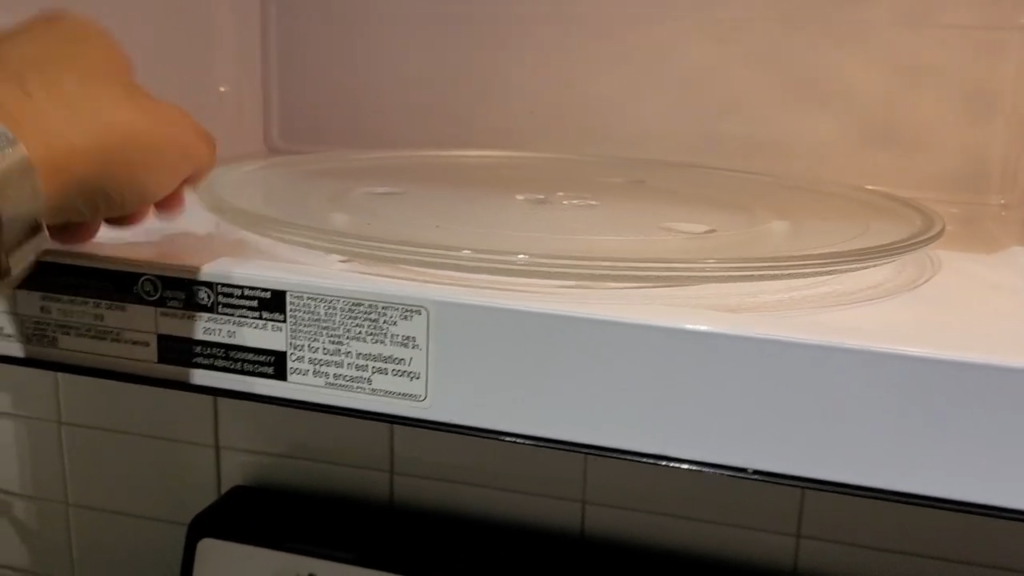
Remove your glass tray and roller ring once a week and wash them in warm soapy water. Food debris, grease, and dried spills create friction that causes grinding noises and can eventually damage the turntable motor if left unchecked.
Suggested Article: How to properly clean microwave oven at home?
Never run microwave empty
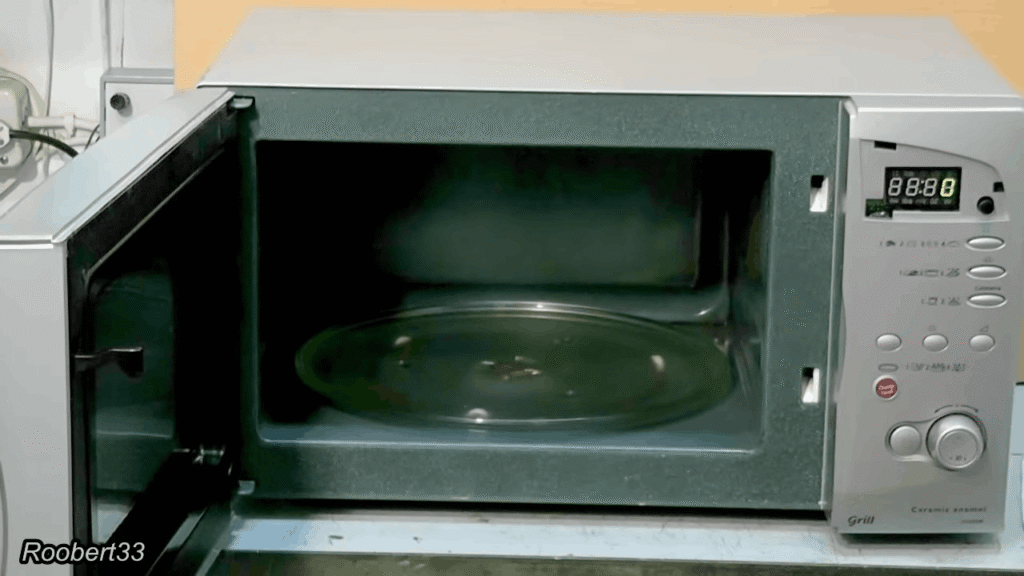
Running your microwave without food inside forces all the microwave energy to bounce around the cavity with nowhere to go, which overheats the magnetron and can damage internal components. Always put at least a cup of water inside if you’re testing it.
Keep ventilation grills dust-free
Dust and grease buildup on the rear and side vents blocks airflow, causing the cooling fan to work harder and make more noise. Wipe down the vents every couple of weeks with a damp cloth to prevent the fan motor from overheating.
Avoid metal or damaged cookware
Metal containers, foil, or dishes with gold or silver trim can cause sparking and damage your waveguide cover, leading to arcing sounds and expensive repairs. Cracked or chipped dishes can also trap moisture and create uneven heating that stresses the magnetron.
Suggested Read: How to properly install a microwave oven yourself?
Address uneven heating early
When your microwave starts heating food unevenly or takes longer than usual, it’s an early warning sign that the magnetron or stirrer motor might be struggling. Getting it checked early can prevent complete failure and the loud buzzing noises that come with it.
Learn more about related issues:
Before Calling a Technician: Mandatory Checks
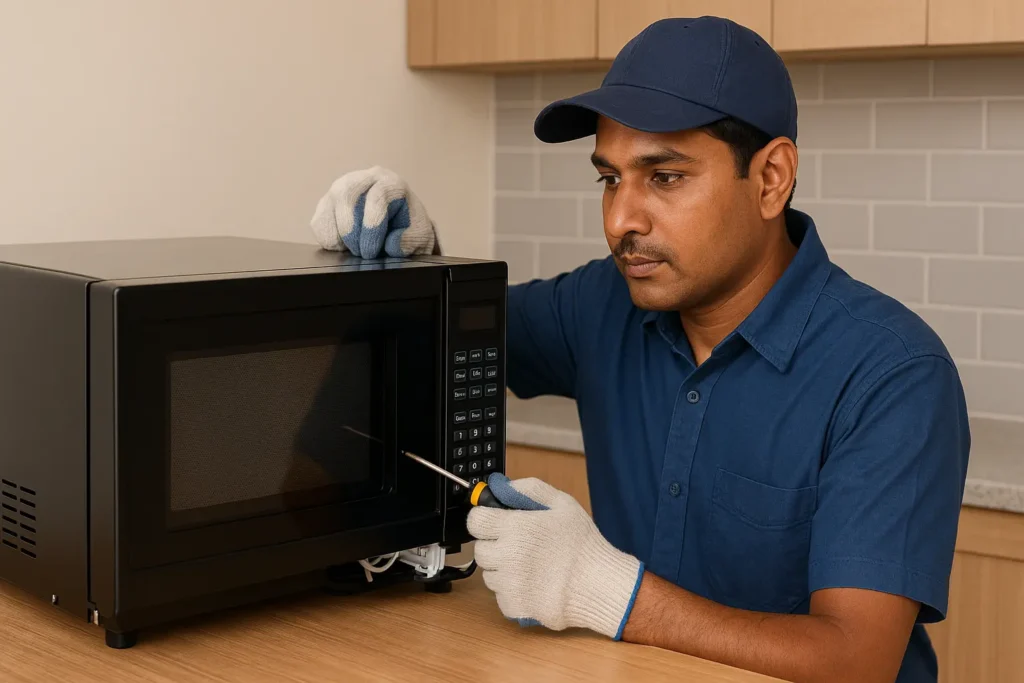
Before you pick up the phone to call a repair service, there are some clear signs that tell you it’s time to bring in a professional. Here’s when DIY stops and expert help begins.
When to Call for Professional Help:
Noise persists after basic cleaning:
If you’ve cleaned the turntable, roller ring, and interior thoroughly but the grinding or rattling continues, the problem is inside the cabinet where the high-voltage components live.
Your microwave is older than 5-6 years:
Components like the magnetron, diode, and cooling fan naturally wear out over time, and attempting repairs on aging microwaves without proper training can lead to more expensive damage.
Noise combined with heating failure:
When loud humming or buzzing pairs with food that won’t heat properly, your magnetron or high-voltage circuit is failing and needs immediate professional diagnosis.
Noise with automatic shutdown:
If your microwave makes strange sounds and then shuts itself off after a few seconds, the control board, thermostat, or safety switches are likely triggering protection mode due to component failure.
Critical Safety Warning:
High-voltage repairs are never DIY-safe:
The capacitor inside your microwave can store a lethal electrical charge for months even after unplugging, making any internal electrical work extremely dangerous without proper discharge equipment and training.
Certified technicians prevent secondary damage:
Professional repair services not only fix the immediate problem safely but also inspect related components to prevent cascade failures that turn a simple repair into a complete replacement.
That loud noise isn’t just annoying. It’s your microwave’s way of telling you something’s wrong before it fails completely. Catching it early saves you money and keeps your family safe. Use this guide to spot the issue, but if it points to internal components, don’t wait. Call a certified technician today.